1 We support Adobe Creative Suite. Legacy (earlier versions) are acceptable. Illustrator, Photoshop and InDesign files are welcomed. Illustrator is preferred.
2 Save all files in their native format. Files should be sized for final output and do color in CMYK.
3 Converting FONTS to outlines/paths is preferred. If that option is not available, send us fonts in a truetype version.
4 If working in two or more programs:
a. Save each component file separately.
b. Save as a layered file.
c. Send all supports files even if embedded.
5 Include a low-resolution PDF to ensure accuracy. Email a copy of that PDF to your Account Representative.
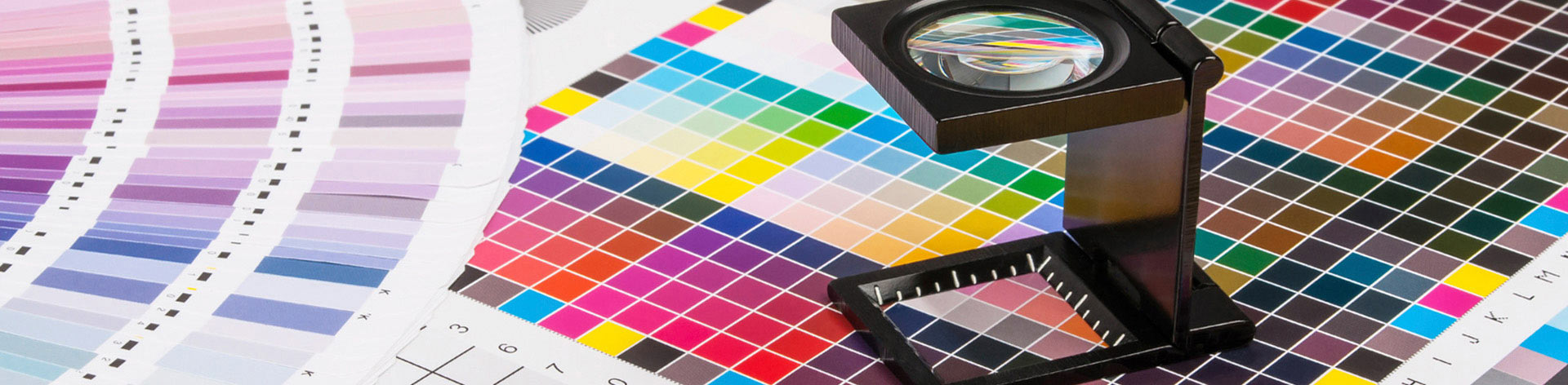
6 Although you will be working in CMYK, specify Pantone Colors for everything critical. Please work from the Solid Coated Formula Guide. Note that color output is approximate and seeing PMS colors on your monitor is a RGB representation and is not the best indicator of your color There are some colors in the Pantone gamut that are not within the CMYK print range (metallics, Process Blue C, etc.) We will do our best to match as closely as technology allows and will advise you should this occur.
7 Image resolution should be a minimum of 150 dpi. If under, please give us a call before uploading file. When working in quarter scale = 600 dpi; half scale = 300 dpi. This will prevent "staircasing". If you create in layers, please save your work as layers. This allows us to make adjustments as necessary. We realize that when an image is flattened it has a lower Meg count. For quality of product, send us layered files anddo not flatten image.
8 Our finishing department requests that bleeds and seams be factored into your layout. In design phase, it is best to call ahead and we'll give you final output size. On some products we provide templates.
9 As you have questions, please speak with your Account Representative and we will expedite solutions.
 Corporate & Non-Profits